What Can Speechify Do? A Teacher’s Quick Guide to Turning Reading into Listening
Feeling swamped by endless required reading, emails, and newsletters?
If you have ADHD or autism, you know how awful that ever-growing mountain of text can feel.
Even when you care about the content, finding the motivation to read is a challenge.
I know this feeling all too well.
The good news? You don’t have to wrestle with reading alone.
Let me tell you about my favorite tool that can help you turn every page into audio you can listen to, while getting on with your life.
This article contains affiliate links. If you purchase through these links, I will earn a commission at no extra cost to you. Thank you!

This post will serve as a hub for some of my articles about Speechify.
Meet Speechify: Your New Audio Reading BFF
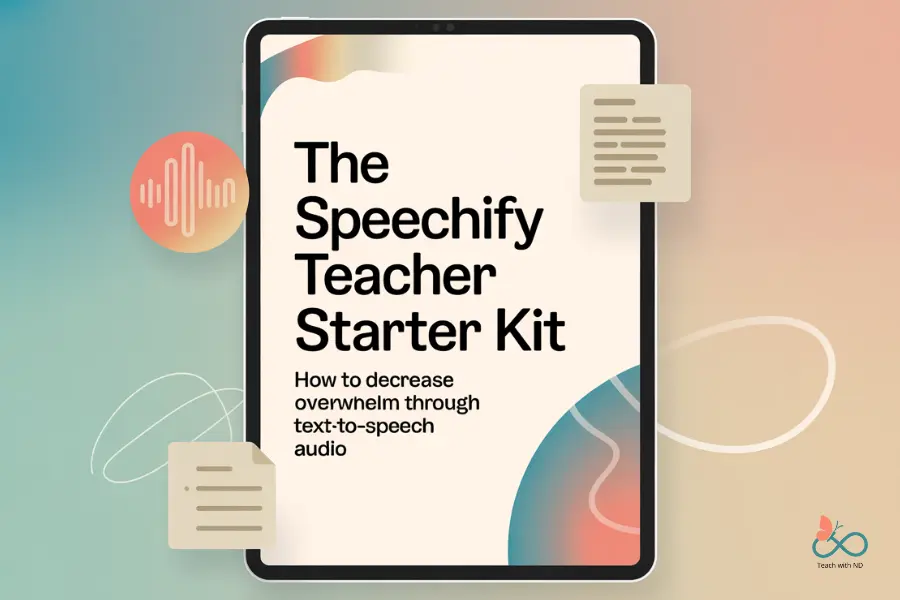
Speechify is an app and browser extension that turns text into audio.
I've been using it for a few years now, and really love the versatility.
Even though I'm no longer in the classroom, I still have plenty of parental paperwork to slog through.
So if you're like me, instead of forcing yourself to read when your brain is mush?
You can pop on your headphones and listen—on the go, in the car, or while doing other tasks.
Okay don't wear your headphones while driving! Be smart, people.
With both a Chrome extension and a mobile app, Speechify fits smoothly into your routine.
Basic Features: How Speechify Makes Reading Easier
Speechify is easy to use.
You add your reading, pick how you want to listen, and let it handle the rest.
Here are some practical ways to get your content ready for listening:
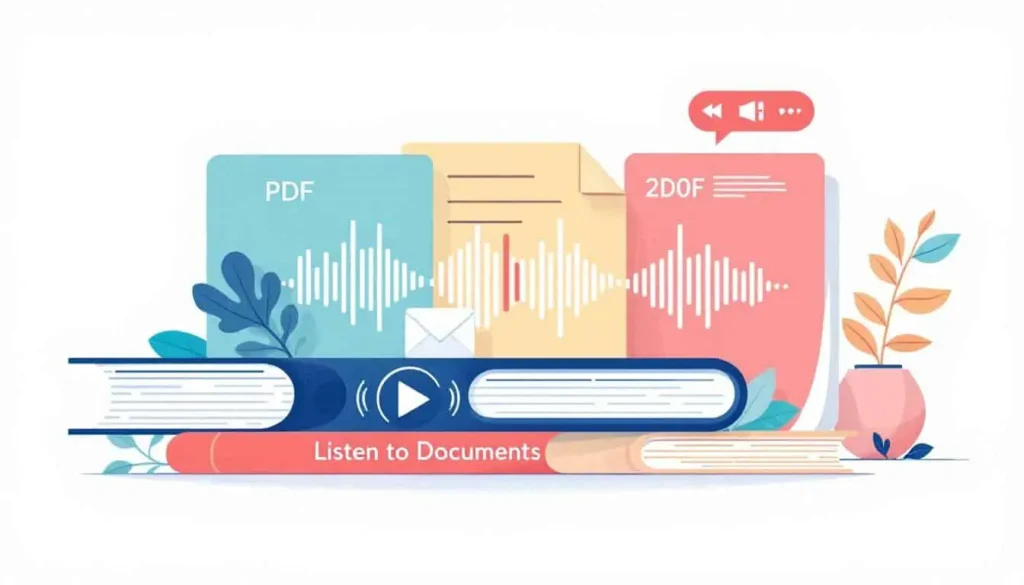
- Upload files like PDFs, school newsletters, or parent handbooks
- Copy and paste text directly into the app for instant listening
- Snapshot and scan printed pages using your phone’s camera
- Adjust the speed so you can breeze through or slow down for certain parts
- Choose from a list of voices or change languages if that suits you
Think of it as turning your reading list into your own custom playlist.
How to Change Language Settings
Do you or your students speak more than one language?
You can change the language settings pretty easily.
Read Change Speechify Language Settings (Quick Guide for ADHD Teachers).
How to Install and Use Speechify Chrome Extension
Getting started is pretty straightforward.
Install the Chrome extension on your desktop, or download the mobile app.
Log in and pick your preferences.
Read more about how to install and use Speechify Chrome extension.

Everyday Wins: Listen to Newsletters and Parent Handbooks
How many times have you opened a school newsletter or parent handbook and felt your eyes glaze over?
You can use Speechify to listen while, driving, cleaning, walking, or prepping the next day's lunches.
Speechify can help you stay on top of pretty much any required reading you need to do.
Field trip forms? Check.
My own family's medical release forms? No problem.
School spirit weeks and other major events? Of course.
I love Speechify because of how easy it is to use on mobile.
I can upload a link to the app and it will start reading it to me.
The premium version is worth it to me, as I use it a lot.
And with that, you get to pick from a variety of interesting voices!

Speechify for Grading Without Burning Out
You can also use this tool to help with another common task you may tend to avoid: grading.
You can upload student work or listen to dense documentation pdfs.
Learn more about how neurodivergent teachers can use Speechify for grading.
How Teachers Can Use Speechify for Meeting Prep
Given how little time you have to accomplish most things at work, meeting prep help is a great idea.
When you're running late and haven't had a chance to read the 10-page agenda, you need to get creative.
Read How to Use Speechify for Meeting Prep
Professional Development Reading with Less Dread
Are you in a focus group at work and you're supposed to read a certain text?
You can scan the pages into Speechify with your phone, and turn that stack into background audio.
Take a picture and upload the images, and that's it.
Listen on your commute, during lunch, or while you load the dishwasher.
It’s perfect for teachers who want to want to meet expectations, but can’t find more hours in the day.

Is Speechify Free and Safe to Use?
Speechify helps you power through long emails, but be careful with privacy.
Some tips:
- Don’t upload emails with sensitive information.
- Stick to documents you wouldn’t mind being seen in public.
- Use copy and paste for public-facing or work emails.
- For sensitive content, scan offline pages instead.
Speechify has been safe in my experience, but you should still be mindful of what you share with any app.
I've only used it for personal (and business) content; not student information.
Always check with your tech integration team to get the current app recommendations for handling student data.
Read Is Speechify Free and Safe to Use?
Speechify: Free vs. Paid Account
Wondering if you should pay? Here’s a simple side-by-side comparison:
| Feature | Free Version | Paid Version |
|---|---|---|
| Voices | Basic | Premium, many accents and styles |
| Languages | Limited | Many languages |
| Speed control | Basic | Fully adjustable |
| Scan/upload limit | Restrictive | Unlimited |
| Advanced controls | No | Yes |
The paid plan isn’t cheap, but if you’re using Speechify daily, the time you save adds up fast.
You get more voices to pick from, different languages, and better speed control.
Use this link to sign up for your free Speechify trial today.
Speechify for Teacher Self-Care
As much as some of us (ahem, me) like to ignore this, the fact is that we can't do it all.
There's so much that we simply cannot control.
Yet it's also still true that we need to take care of ourselves.
Whether that means going on a walk, touching grass, or taking three deep breaths.
Read more about how you can use Speechify for teacher self-care.

New Features: Podcasts from Your Reading?
Speechify keeps getting better.
They’re rolling out a podcast feature that turns your reading into a show, with real voices and even two people debating or interviewing each other.
It’s like putting your homework or newsletters on the radio.
This makes keeping up with dense reading a lot more fun and keeps things fresh for busy educators.
Read more about Speechify AI podcast for teachers.
Real-World Example: Speechify for Emails
Let's say you’ve got a long, very dense email from your district.
As intriguing as it might be, you may not have the time or energy to sit down and read it in one go.
Instead of reading every line, you press “Listen” and Speechify reads it to you.
Sometimes, things might glitch (as all tech does), but for the most part, it works well and saves time and stress.
Read How to Use Speechify for Emails as a Neurodivergent Teacher.
Speechify Login Issues
No app is perfect. Sometimes logging in may take longer than it should.
I actually hadn't had this experience until I tried to make a video showing how easy it was to login!
Read more about Speechify login issues.

Speechify Chrome Extension Not Working
If the extension straight up doesn't work, there's a few quick fixes you can try.
Try reloading the page, and make sure it is activated, pinned, and updated.
With these quick fixes you can hopefully get back to what you were doing fairly easily.
Read what to do if: Speechify Chrome extension not working.
How to Remove Speechify Chrome Extension
On the off chance you're like me and your browser tabs are multiplying, you might want to consider removing the extension.
At least temporarily, and then you can reinstall it.
Read How to Remove Speechify Chrome Extension.
Is Speechify Worth It?
After years of using Speechify, I can say it’s made a huge difference in my life as a former teacher and parent.
The paid version brings a lot of extra features, but even the free plan helps chip away at your reading pile.
If you read a lot and want more freedom in your day, it’s worth trying.
Plus, with new features rolling out, it just keeps getting better.
Join the Community
Do you personally have ADHD/autism and want to connect with other like-minded educators?
We share ideas, ask for help, vent, and generally support each other.
Visit our Facebook group and take it one step at a time. Please answer the quick questions and have a clear photo. That helps keep the community safe. Thank you.
You've got this! ❤️
Found Something Helpful? I'd Be So Grateful If You'd Pin One of These Images!
It truly helps my blog reach more teachers like you. Thank you so much!